
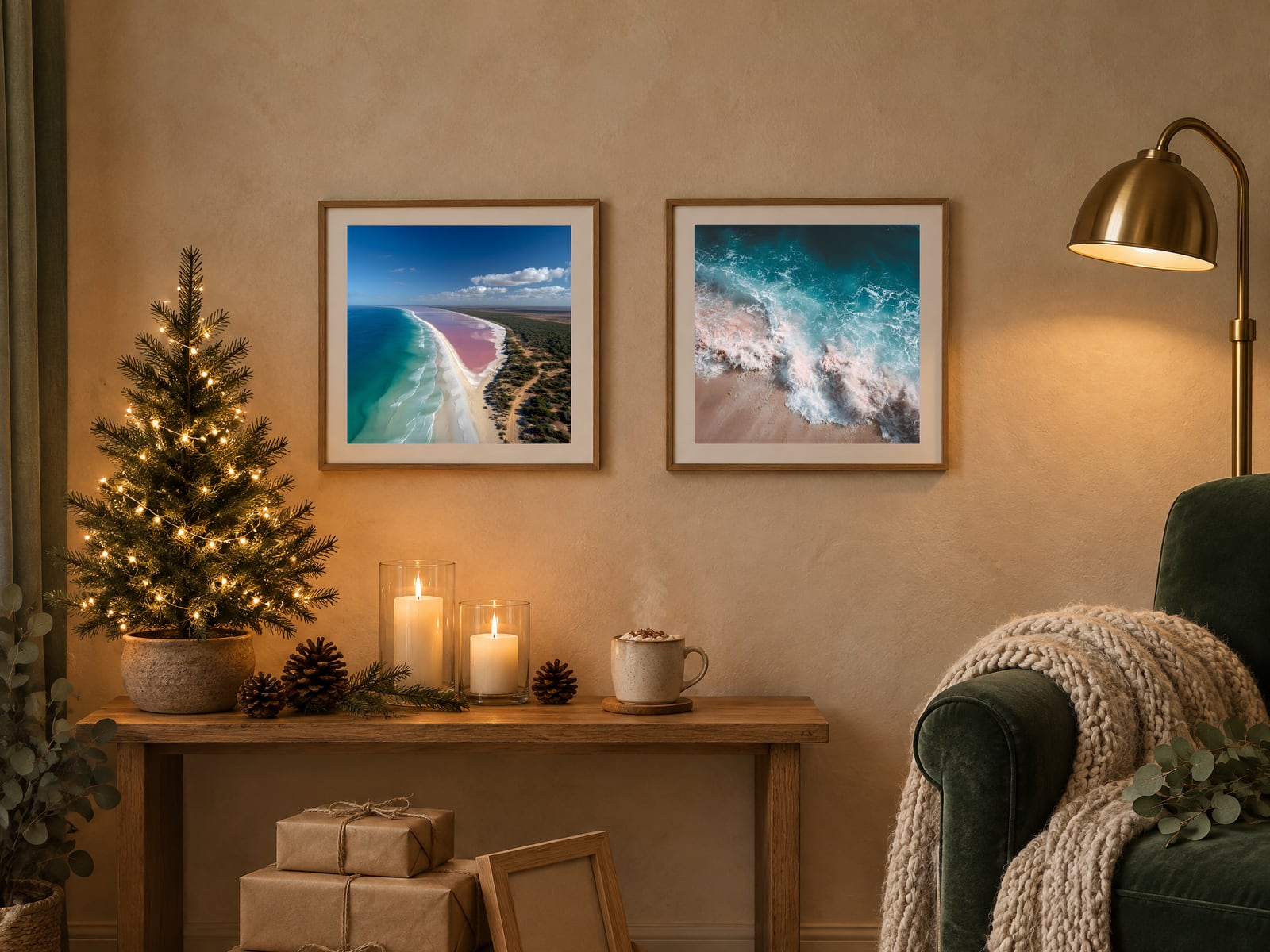
If you sell printable wall art, your mockups are doing most of the selling for the next five weeks. A cosy room with a tree in the corner tells a buyer "this would look lovely in my house by Christmas" faster than any title can.
This year there's an extra thing to think about. Etsy changed its listing image rules in October, and a Christmas wall art mockup that's too pretty to be accurate is exactly what the new rules are aimed at. Here's how I'd handle holiday mockups right now: what to show, when to swap them, and how to stay on the right side of the rules.
What Changed With Etsy's Photo Rules?
On October 22, 2026, Etsy updated its Listing Image Requirements. For most items, a listing now needs at least one unedited photo of the actual item against a real background. Other images can still be edited, including with AI tools, as long as they accurately show what the buyer will receive.
Etsy then revised the rules in a November 6 update on the Etsy Community forums. The main points:
- The unedited photo doesn't have to be your first image
- You can crop, resize, watermark or change the file format of that photo
- You only need one per listing, even with variations
- Etsy plans to start proactively enforcing the requirements in early 2027, with advance notice
For digital downloads, the Etsy Help Center page on how the requirements apply says that if your item has a visual component, like a printable, you should include a preview of the actual content buyers will receive. For wall art, that means a clear, flat view of the artwork file itself. It doesn't mean a room photo where the art is a small rectangle behind a Christmas tree.
Shoppers can also now report listings they think use AI imagery in a misleading way. Etsy says those reports won't trigger enforcement straight away. And if a buyer opens a case because the item is materially different from the listing, you may be the one who has to refund them.
I wrote more about the wider policy in our post on Etsy's October AI changes. For mockups, the practical version is short: show the real file somewhere, and don't let the styled photos promise something the download can't deliver.
What Should a Christmas Wall Art Mockup Actually Show?
Holiday buyers mostly fall into two groups, and they want different pictures.
The decorator. They're styling their own home for the season. They want to see the print in a room that looks like December: warm lamp light, a knit throw on the sofa arm, a small tree or some greenery, maybe a mantel with candles. They aren't buying the room. They're checking whether the art fits the mood they're going for.
The gift buyer. They're picturing someone else opening it. Gift settings work well here: a framed print leaning against wrapped presents, a frame half out of kraft paper, a print on a side table next to a gift bag. If you sell art that works as a present, our post on printable wall art gift listings covers how to set those listings up.
A good holiday set covers both, plus the honest basics. Something like:
- A cosy winter room as the thumbnail (if it shows the art clearly)
- A close-up of the art in a frame, so detail is visible
- A flat preview of the actual file, no room, no frame
- A gift setting
- A size guide showing what each print size looks like on a wall
- A "what you receive" image listing the files and sizes
How to Keep Holiday Mockups Honest
Winter rooms make honesty harder than usual, because the things that make a room cosy are the things that change how art looks.
Watch the colour. Warm fairy lights and firelight can tint a cool blue print golden. If your mockup makes the colours look different from the file, a buyer will notice when they print it. Put the flat preview next to the room shot and compare.
Watch the scale. An 8x10 print shouldn't look like a huge statement piece above a fireplace. If the room makes the art look bigger than any size you sell, that's the kind of "materially different" a buyer can complain about.
Say what isn't included. Frames, mats and the room are props. Most buyers know that, but a gift buyer in a rush might not. One line in the description ("digital download, no physical item or frame will be shipped") saves a lot of messages. Our post on digital download customer messages has more on heading those off.
Don't use the room to hide the art. If a tree branch or garland covers part of the print, use a different mockup for the thumbnail.
When Should You Swap Seasonal Mockups In and Out?
There's no official Etsy date for this, so treat it as a working rhythm, not a rule.
In: now, if you haven't already. We're past mid November. Gift shoppers are already browsing, and Black Friday is next week. If your holiday art still has a summery living room as its thumbnail, change it this week.
Christmas themed art: through to Christmas. Printables are a last minute gift, since nothing has to ship. Keep the festive mockups up right to the end. (Our post on last minute Christmas printables goes into that late window.)
Out: soon after Christmas. Once the 25th has passed, a thumbnail with presents under a tree looks dated. Swap Christmas specific art back to a neutral room or the flat preview, and take the tree out of the mockups for anything that isn't strictly Christmas.
Winter art: keep the winter rooms longer. Snowy landscapes, cabin prints and winter botanicals still sell into January and February. Pull the gifts and the tree out, but keep the knit throws, the candles and the low winter light.
Year round art: add one, don't replace. For a botanical or abstract print that sells all year, I wouldn't swap the thumbnail at all. Add a single cosy winter room or gift shot further down the gallery, then remove it in January. Your main photo stays the same and the listing still feels seasonal.
One practical tip: before you swap anything, save your current images in a folder named after the listing. Swapping back in January is much easier when you're not rebuilding from scratch.
Making the Holiday Set Without Losing a Weekend
The slow part of seasonal mockups is making a new set for every listing. If you're starting a new holiday design, Nerify builds the whole listing from one theme: the artwork, print files in 5 sizes, up to 20 mockup photos, a listing video and the title, tags and description. You choose the style, approve the art and review the draft before it goes to your Etsy shop. That review step is where you check colour, scale and that the flat preview is in there, same as you would with any mockup.
If you'd rather build your own, our roundup of free printable mockups for Etsy is a good place to start.
Here's the takeaway for this week: open your five best selling listings. Make sure each one has a clean preview of the actual file, add one cosy winter or gift mockup where it fits, and check the colours and scale against the real print. Then make a note to swap the Christmas ones out on December 26.
Turn a theme into a listing
Describe a theme and Nerify makes the wall art or clipart, the mockups and the listing copy. You approve it before it goes to Etsy.
Try It Free →