

The file format you choose for your Etsy invitation listings isn't just a technical detail. It shapes who can buy from you, how many support messages you get, and whether a customer comes back or leaves a frustrated review.
Here's a straightforward breakdown of what's actually available to you and what each one means for your shop.
Corjl
Corjl is probably the most common platform for editable invitations on Etsy right now. Customers edit directly in their browser, no software download required. You upload your design once, link it through Corjl, and buyers get access to a personalized editing portal.
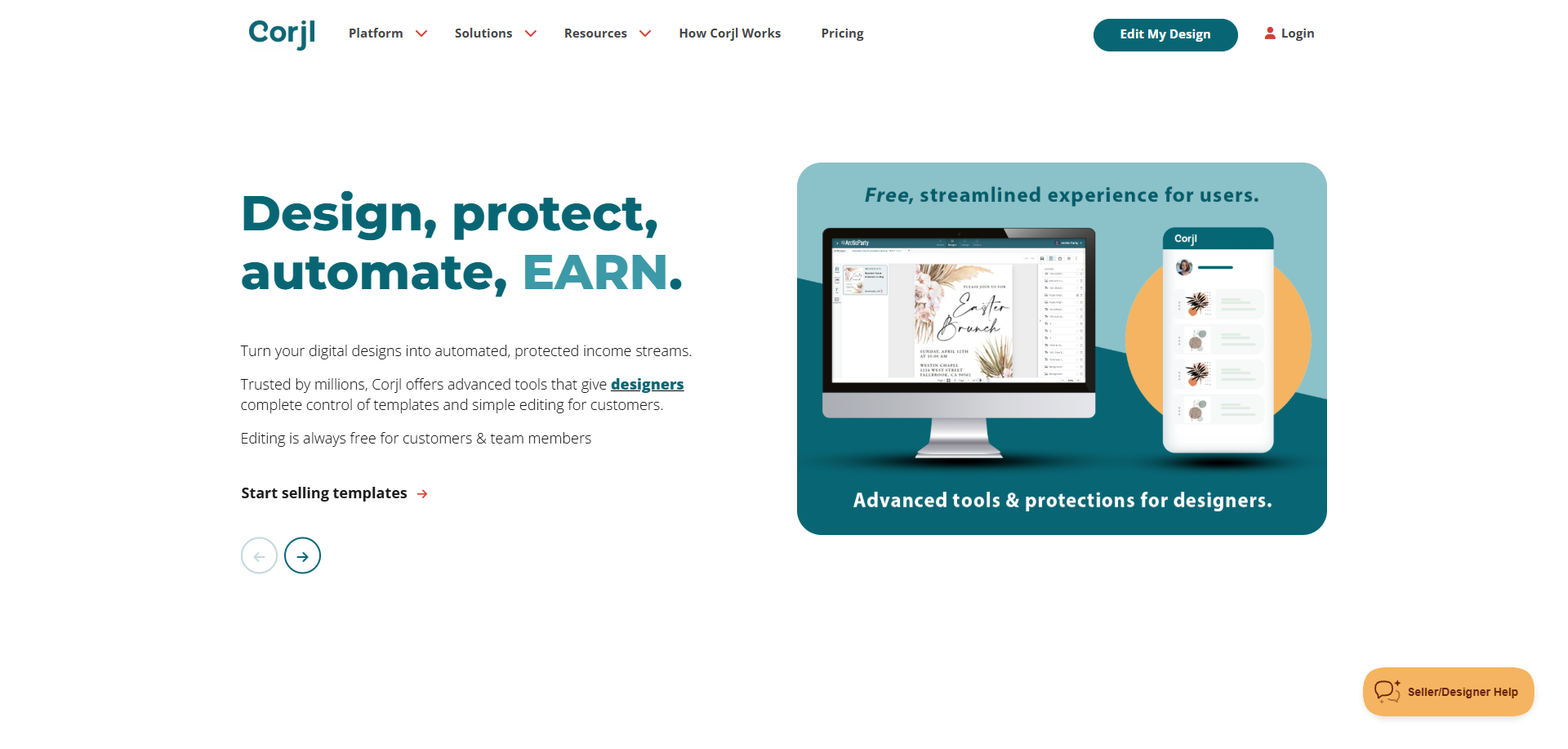
The upside is that it's genuinely easy for customers to use. The downside is the monthly fee on your end, which adds up if you have a large catalog. It also means your product depends on a third-party platform staying operational.
If you're selling invitations at volume and want to reduce back-and-forth with buyers, Corjl is worth the cost.
Canva Templates
Canva templates are everywhere right now and for good reason. Most buyers already have a free Canva account. You design the template, share a link, and the customer edits their own copy. Simple.
The limitation is Canva's design constraints. You're working within their system, which means certain font choices, layouts, and effects either don't exist or don't transfer well. If your aesthetic relies on specific typography or layering, you may find Canva flattens it.
That said, for everyday invitations — birthday parties, baby showers, simple weddings — Canva templates convert well because the barrier to editing is basically zero.
Editable PDF (Adobe Acrobat)
An editable PDF with form fields is one of the older approaches. The buyer downloads the file and fills in designated text fields using the free version of Adobe Acrobat Reader.
It sounds convenient, but in practice it causes a disproportionate amount of support messages. Font substitution issues. Fields that don't appear correctly on certain devices. Customers who don't realize they need to download something. It works, but it creates friction.
If you're going this route, be extremely clear in your listing about what software the customer needs and what they can and can't change.
Templett
Templett is similar to Corjl in the sense that it's a browser-based editor. It supports more complex design features than Canva and tends to attract buyers who want something that looks more custom.
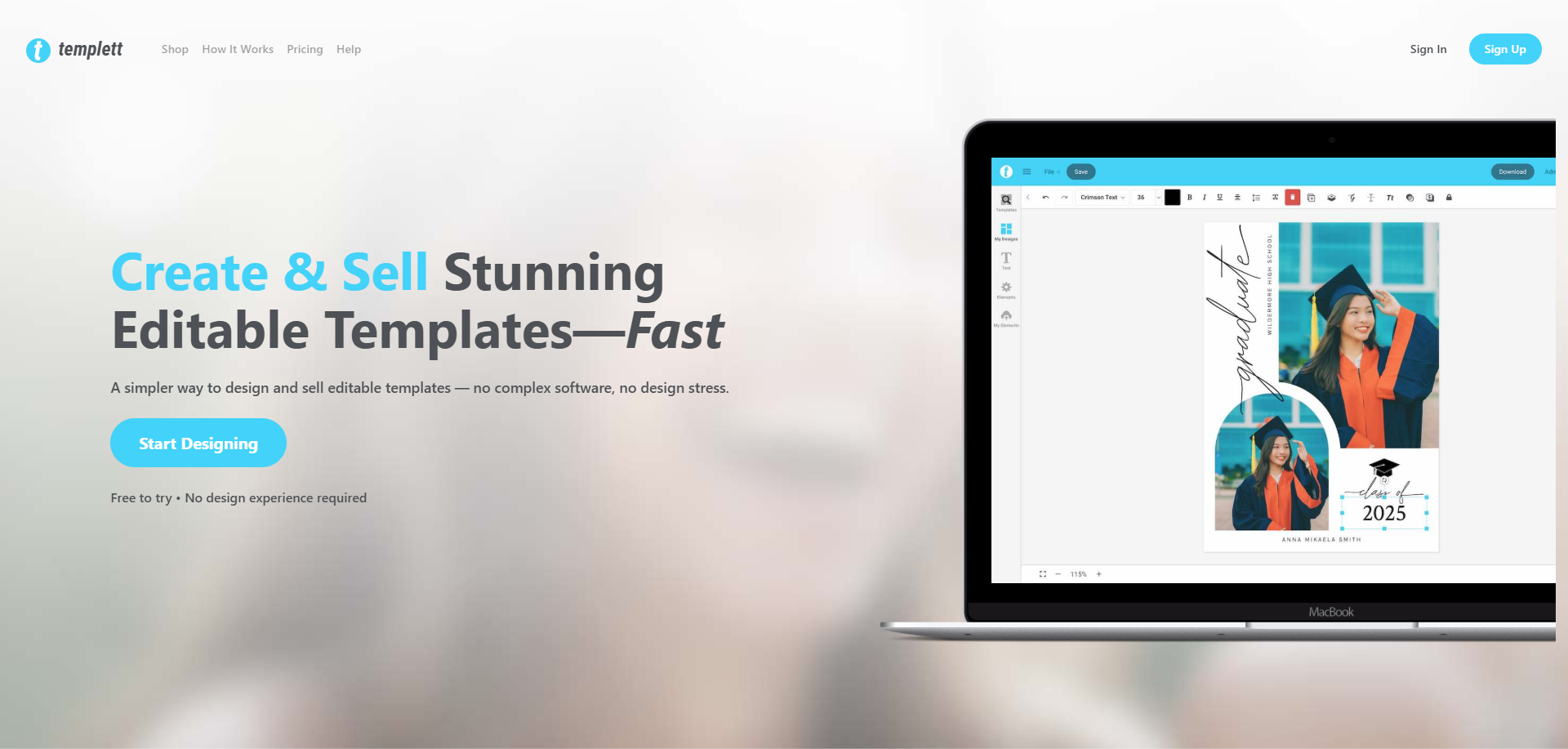
The subscription model is comparable to Corjl. The customer experience is generally smooth. It's a solid option if you're designing in Illustrator or want more control over how your templates look in the editing interface.
Instant Download (Non-Editable)
Worth mentioning even though it's not editable: some invitation sellers offer a fill-in-yourself version where the buyer purchases a printable, then messages you the details for a separate customized file.
This isn't truly editable but it's a common listing type that sits alongside editable options. It can work well as a lower price point entry in your shop, especially if you also offer a premium editable version of the same design.
So Which One Should You Use
Honestly, the answer depends on your workflow and your buyer.
If your customers are non-designers buying birthday invitations for personal use, Canva is the lowest friction option. They already know it. They don't need to learn anything new.
If you're targeting wedding stationery buyers who expect something more polished and are willing to spend more, Corjl or Templett gives you more design flexibility and a more premium experience.
If you want to avoid subscription fees entirely and don't mind more customer questions, editable PDFs can work, but they require clearer listing copy to manage expectations.
A lot of successful invitation sellers offer two or three formats for the same design. A Canva version at a lower price point and a Corjl version slightly higher. It covers more buyers without doubling your design work.
What This Has to Do With Your Listings
Here's the part sellers often skip. The file type you offer should be front and center in your listing — in the title, in the first line of your description, and in your mockups.
Buyers scan fast. If someone is looking specifically for a Canva template and your listing doesn't say that clearly, they'll keep scrolling. The same goes for Corjl. People search by platform now because they know what they can use.
Your mockups should reinforce this too. Showing the editing interface, or at least a clean styled preview of the finished invitation, sets the right expectation. Nerify makes it easy to generate those styled mockups quickly so you're not rebuilding your listing visuals every time you add a new format variation.
One More Thing
Whatever format you choose, write your listing copy like your buyer has never edited a digital file before. Because some of them haven't.
Clear instructions in the description, a FAQ section that addresses common issues, and a delivery message that walks them through next steps will cut your support volume significantly. The file type matters. The explanation around it matters just as much.
Pick a format that fits your design style and your buyer's skill level. Be explicit about it in your listing. Then go make the mockup look good enough that they don't need to read the description twice to understand what they're getting.
Ready to list faster?
Generate mockups, SEO copy, and all 13 tags in under 3 minutes.
Try Nerify Free →